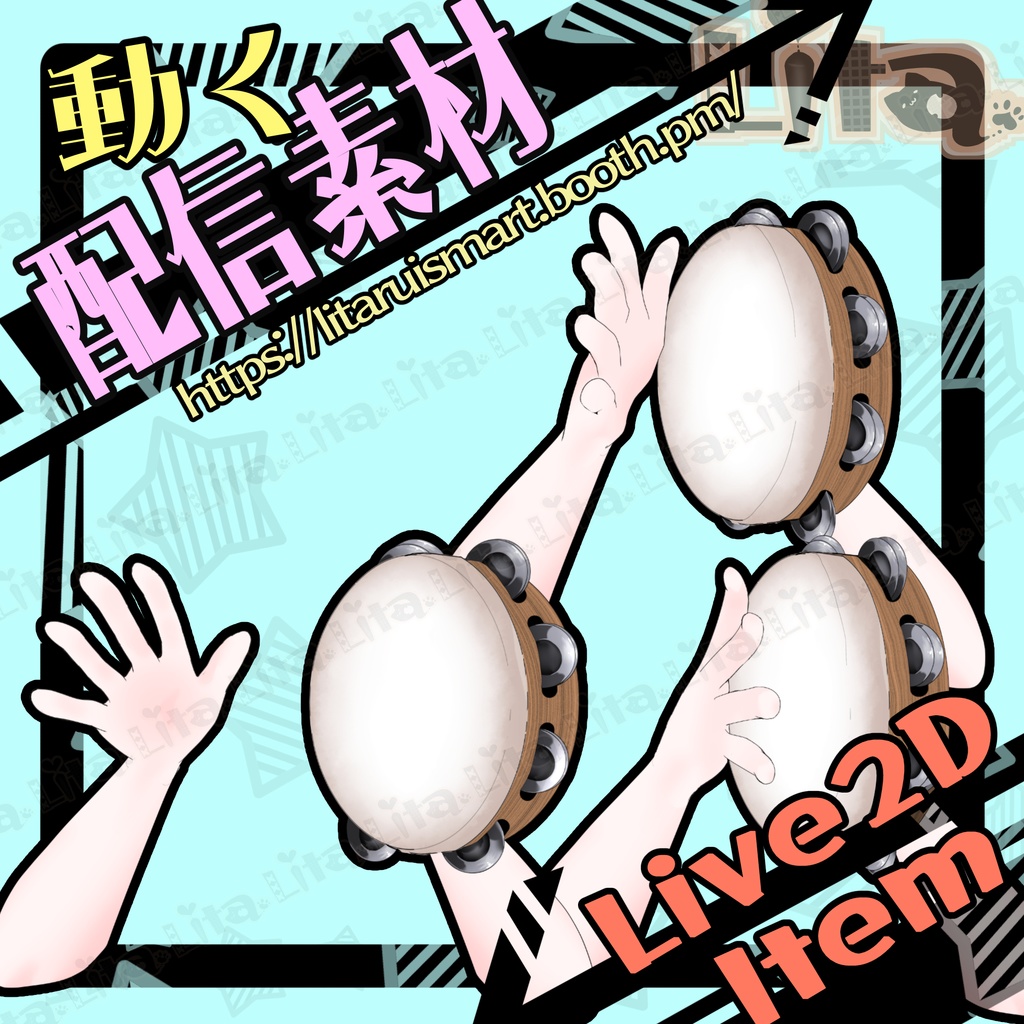
【Live2D】リズムを刻むタンバリン!カラオケ配信に最適【VtubeStudio】
- ダウンロード商品¥ 700
毎週腕素材をリリースしている腕素材屋さんです。 ぜひ配信のネタにしてください! ⭐︎Lita公式サイト⭐︎ https://lita-art.net/
VtubeStudioで使える素材です。//Assets for VtubeStudi
o ☆★☆★☆★☆★☆★☆★☆★☆★☆ キーバインド設定//Keybind setting 🎮 【右クリック/RightClick】 タンバリンを一回打つ//Hit the tambourine once 🎮 【Ctrl+1】タンバリンを打ち続ける、高速//Continuous tambourine (High speed) 🎮 【Ctrl+2】タンバリンを打ち続ける、中速//Continuous tambourine (Medium speed) 🎮 【Ctrl+3】タンバリンを打ち続ける、低速//Continuous tambourine (Low speed) 🎮 【Ctrl+0】待機モーションクリア 🎮 【Ctrl+0】リセット//Reset idle motion ☆★☆★☆★☆★☆★☆★☆★☆★☆★☆★☆★☆ 表情パラメータで色変更可能箇所//Color options (adjustable via Expression Parameters) 腕色//Arm color(SkinColor)
✅ 商用利用・編集可能ですが、著作権は放棄していません。 ✅ クレジット表記は任意です。 ✅ ご利用の際は、下記URL記載の 利用規約 に同意したものとみなします。 🔗 https://lita-art.net/terms-and-condition/ ⚠️ 成人向けコンテンツへの使用規制はしていません。 常識の範囲内でご使用ください。 ーーーーーーーーーーーー Litaのアイテムは、表情ファイルエディター、またはアートメッシュでの色調整が可能です。(表情ファイルエディタからは一部できないものもあります。初期の作品のほとんどはアートメッシュからの色変更になります!) 説明書→ https://note.com/litaruismart/n/n120985de98c0 表情ファイルエディタから可能な場合は、colorと書いてあるパラメータが存在します。そのパラメータをいじって色変更して遊んでみてください! 色変更パラメータ: Color1 – 乗算明暗 Color2 – 乗算カラー Color3 – スクリーン明暗 Color4 – スクリーンカラー 設定方法の詳細はこちらをご覧ください! 日本語 🔗 https://lita-art.net/2026/01/26/how-to-change-color/ English 🔗 https://lita-art.net/2026/01/26/how-to-chage-color/ ーーーーーーーーーーーー 質問・ご相談はDMにて受付中! お気軽にご連絡ください✨ 🔹 LitaのX(Twitter): https://x.com/LitaVtuber 🔹 Litaのホームページ: https://lita-art.net/ ーーーーーーーーーーーー ✅ Commercial use and editing are permitted, but I do not waive my copyright. ✅ Credit notation is optional. ✅ By using this product, you are deemed to have agreed to the Terms of Sale listed at the URL below. 🔗https://lita-art.net/terms-and-condition/ ⚠️ There are no restrictions on use in adult-oriented (NSFW) content. Please use within the bounds of common sense. ーーーーーーーーーーーー ※Lita’s items can be color-adjusted either through the Expression File Editor or directly via ArtMesh. Some items cannot be adjusted from the Expression File Editor. Most early works require color changes through ArtMesh. → https://note.com/litaruismart/n/n60f0aea213c7 If the item supports adjustment in the Expression File Editor, there will be a parameter labeled “Color.” Try modifying that parameter to change the colors and have fun experimenting! Color change parameters: Color1 – Multiply Brightness Color2 – Multiply Color Color3 – Screen Brightness Color4 – Screen Color For more details on the setup method, please check here! Japanese 🔗 https://lita-art.net/2026/01/26/how-to-change-color/ English 🔗 https://lita-art.net/2026/01/26/how-to-chage-color/ ーーーーーーーーーーーー Questions and consultations are accepted via DM! Feel free to contact me ✨ 🔹 Lita's X (Twitter): https://x.com/LitaVtuber 🔹 Lita's Website: https://lita-art.net/